




Understanding every touchpoint a customer has with your business is crucial for optimising their experience and driving growth. Customer journey mapping transforms abstract data into a visual narrative, revealing pain points, opportunities, and moments of delight. Without a clear view of this path, marketing efforts can feel disconnected, and opportunities to improve retention are easily missed. This is where dedicated customer journey mapping tools become essential, providing the structure and collaborative features needed to turn insights into actionable strategies.
This comprehensive guide is designed to help you navigate the crowded market of mapping software and find the perfect fit for your organisation. We have moved beyond generic feature lists to provide a detailed breakdown of the top platforms available. For each tool, you will find an honest assessment of its strengths and limitations, key features, pricing tiers, and specific use cases relevant to UK-based SMEs and growing e-commerce brands.
We will explore a range of solutions, from specialised platforms like Smaply and UXPressia to versatile digital whiteboards such as Miro and Mural that offer powerful templates. To help you make an informed decision, every entry includes screenshots and direct links, so you can see the software in action. Let’s explore the tools that will help you visualise your customer’s experience with clarity and precision.
1. Customer Journey Mapping Tools: Smaply
Smaply is a purpose-built customer journey mapping tool designed by customer experience (CX) specialists. Its structure is centred on creating highly detailed, multi-layered journey maps, personas, and stakeholder maps, making it a comprehensive solution for organisations serious about understanding their customer’s perspective. The platform stands out with its CX-first design, using terminology and frameworks familiar to professionals in the field, which streamlines the mapping process.

It’s particularly well-suited for UK and EU businesses concerned with data compliance, as it offers EU data residency. Unlike general-purpose diagramming software, Smaply’s features are specifically tailored for CX analysis, offering elements like emotion charts and a portfolio view with a prioritisation matrix to manage multiple journeys effectively. This focus allows teams to move beyond simple flowcharts and build a deeper, data-driven understanding of customer interactions. For more insights into how such tools can integrate with your marketing stack, you might find this guide on PPC software from PPC Geeks useful.
Key Details & Pricing
- Best for: CX teams needing robust governance and portfolio management.
- Pros: Excellent collaboration features with defined roles, strong focus on CX principles, and EU data residency.
- Cons: The Free plan limits advanced features, and viewer seats are an added cost on lower-tier plans.
- Pricing: Offers a free-forever plan. Paid tiers are Basic (€25/month), Pro (€50/month), and Enterprise (custom pricing).
2. UXPressia
UXPressia is a well-known customer journey mapping platform that excels with its extensive library of templates, making it highly accessible for teams of all experience levels. It integrates journey maps, personas, and impact maps into a single, cohesive environment. The platform is particularly strong for consultants and collaborative teams, offering features like a team library for reusable components and robust version history to track changes over time. Its user-friendly interface simplifies the process of visualising complex customer interactions from start to finish.
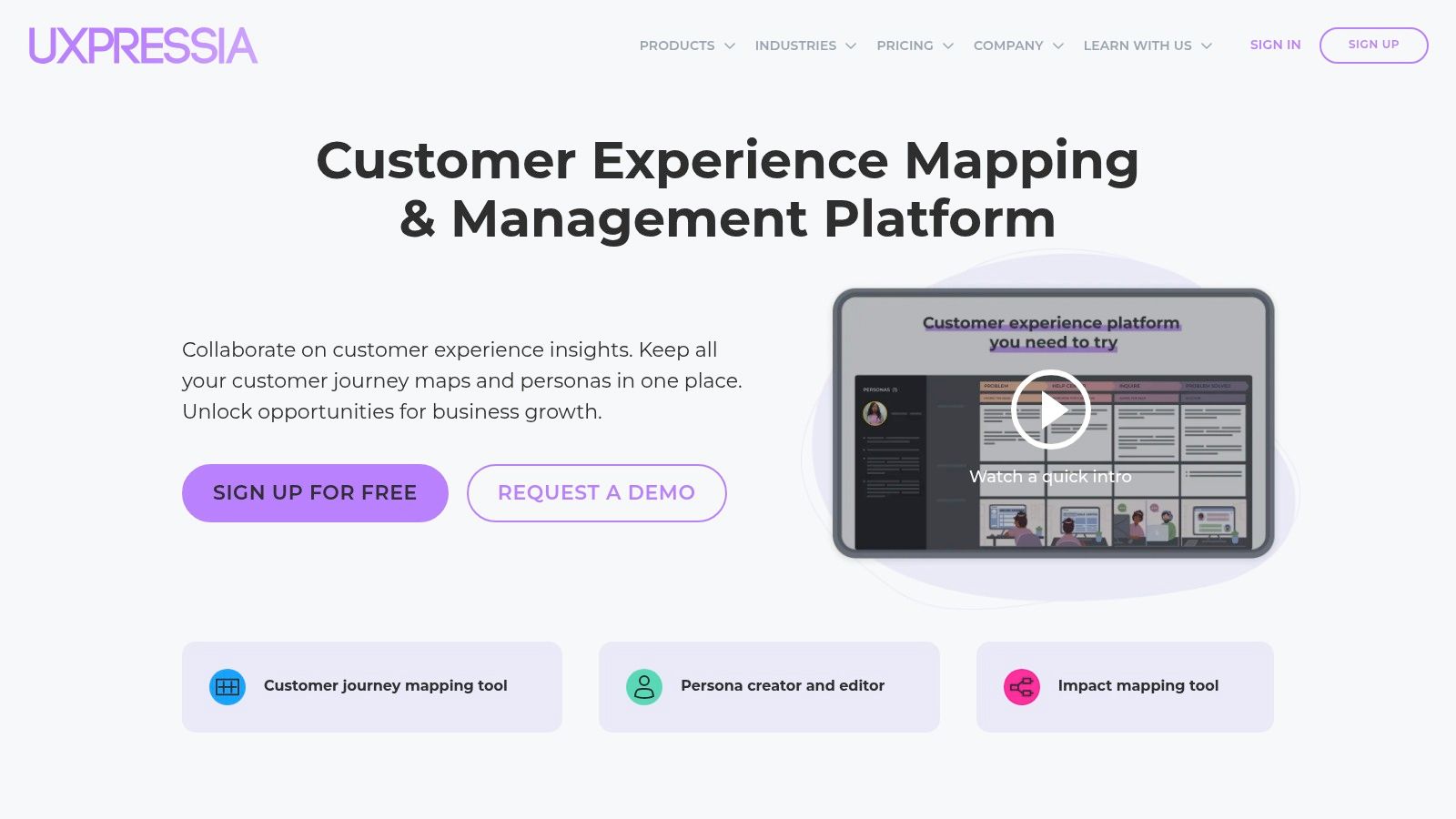
What sets UXPressia apart is its powerful combination of pre-built resources and modern AI assistance. The platform includes AI tools for generating personas, suggesting journey map stages, and summarising research, which significantly speeds up the initial setup. Unlike more rigid tools, it offers excellent export options, including PPTX for presentations, making it easy to share insights with stakeholders. The focus on personas is particularly detailed, which is crucial for building accurate maps; you can explore this further by unlocking the power of persona mapping for better results.
Key Details & Pricing
- Best for: Consultants and teams needing ready-to-use templates and versatile export options.
- Pros: Excellent out-of-the-box templates, smooth collaboration with password-protected sharing, and helpful AI features.
- Cons: Custom branding and advanced exports like PPTX are restricted to paid plans, and some key integrations require higher tiers.
- Pricing: A free-forever plan is available. Paid plans are Starter ($20/user/month), Pro ($40/user/month), and a custom Enterprise plan.
3. Customer Journey Mapping Tools: Custellence
Custellence is a dedicated customer journey mapping tool designed with simplicity and accessibility at its core. Its main strength lies in making maps easy to share and understand across an entire organisation, regardless of an individual’s CX expertise. The platform’s structure, which includes features like map hierarchies and sub-lanes, allows teams to create detailed, layered visualisations without a steep learning curve.
The standout feature is its provision of unlimited free viewers on every plan, which removes barriers to sharing insights with stakeholders company-wide. This focus on broad access ensures that the customer’s voice is heard in every department, from marketing to product development. By facilitating this level of collaboration, Custellence helps businesses create a more cohesive customer experience, which is a key component of the effective closed-loop marketing strategies outlined by PPC Geeks. This makes it one of the most practical customer journey mapping tools for fostering a customer-centric culture.
Key Details & Pricing
- Best for: Teams needing to share journey maps widely with non-technical stakeholders.
- Pros: Unlimited viewers on all plans fosters company-wide collaboration, low learning curve, and robust security options on higher tiers.
- Cons: The free plan is limited to two users and two maps, and it offers fewer public app integrations than general-purpose whiteboard tools.
- Pricing: Offers a free-forever plan. Paid tiers are Standard ($29/user/month), Pro ($49/user/month), and Enterprise (custom pricing).
4. JourneyTrack
JourneyTrack is an enterprise-grade journey management platform designed for large organisations that require robust governance, security, and integration. It moves beyond simple mapping to offer a comprehensive suite that combines journeys, personas, workshops, and AI-driven insights. The platform’s standout feature is its emphasis on enterprise-level compliance, holding both SOC 2 Type II and ISO 27001 certifications, making it a trusted choice for businesses handling sensitive customer data.
Unlike more basic customer journey mapping tools, JourneyTrack provides a holistic view with its Journey Atlas and health metrics, allowing teams to manage and analyse an entire portfolio of customer experiences. Its native integrations with tools like Qualtrics, Jira, and Tableau enable the direct connection of journey maps to real-time operational and experience data. Understanding how to connect these touchpoints is crucial, and learning what is attribution modelling can provide deeper context on measuring their impact. The built-in workshop and AI features further streamline collaboration and insight generation at scale.
Key Details & Pricing
- Best for: Large enterprises needing a secure, integrated, and scalable journey management system.
- Pros: End-to-end CJM with analytics and governance, strong enterprise security certifications, and unique built-in workshop capabilities.
- Cons: Higher starting price makes it less suitable for SMBs, and its full value is realised through extensive enterprise-level adoption.
- Pricing: JourneyTrack operates on a custom pricing model, requiring direct contact for a quote tailored to enterprise needs.
5. Customer Journey Mapping Tools: Milkymap
Milkymap is one of the most accessible customer journey mapping tools for teams aiming for consistency and standardisation. It guides users through a structured, lifecycle-based methodology, ensuring that every map created within an organisation follows the same core principles. This approach helps to democratise the mapping process, making it less dependent on a few CX experts and more of a repeatable, collaborative activity for different departments.

The platform’s standout feature on its higher tier is MilkyAi, an AI assistant designed to accelerate the creation of journey maps, personas, and templates. Unlike general-purpose diagramming software where structure is optional, Milkymap’s framework promotes a unified view of the customer experience across the business. Its excellent onboarding resources and clear pricing make it a strong contender for organisations that are newer to formal journey mapping but want to build a solid, scalable foundation for their CX initiatives.
Key Details & Pricing
- Best for: Teams seeking a standardised, repeatable mapping process with AI assistance.
- Pros: Affordable pricing, helpful onboarding and educational content, and supports a consistent mapping methodology.
- Cons: Advanced AI and enterprise features are reserved for the top tier, and it has a smaller feature ecosystem compared to general-purpose whiteboards.
- Pricing: Offers a free plan for individuals. Paid tiers are Personal Pro (€9/month), Business (€49/month for 5 users), and Enterprise (custom pricing). A 30-day Business trial is available.
6. Miro (Customer Journey Map Templates)
Miro is a leading visual collaboration platform that has become a go-to for teams needing to workshop ideas remotely. While not a dedicated customer journey mapping tool, its strength lies in an expansive template library and unparalleled real-time collaboration features. This makes it ideal for teams who need to quickly create, share, and iterate on journey maps in a flexible, unstructured environment. It’s designed for facilitation and brainstorming, allowing cross-functional teams to contribute easily.
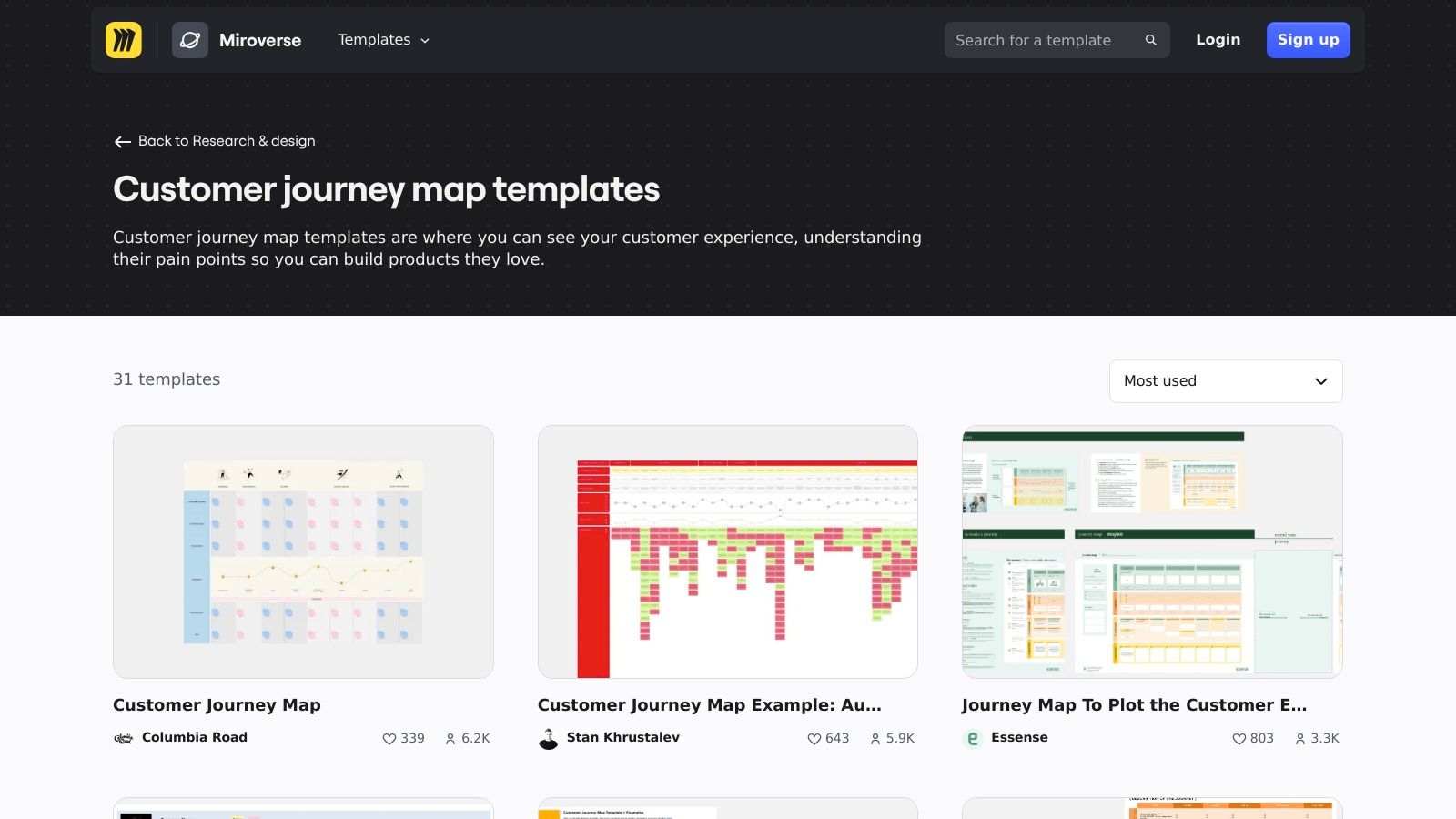
Unlike specialised software, Miro doesn’t enforce a rigid CX structure, offering creative freedom that many organisations prefer for initial mapping stages. Its powerful integrations with tools like Jira, Slack, and Zoom embed the journey map directly into existing workflows. For UK businesses needing specific data handling, the Enterprise plan provides EU data residency options, ensuring compliance with regional regulations. The platform’s ease of use and vast community content make it an accessible starting point for any team.
Key Details & Pricing
- Best for: Cross-functional teams needing a flexible, highly collaborative tool for initial brainstorming and mapping workshops.
- Pros: Extremely easy for non-designers to use, massive template ecosystem, and data residency options for compliance.
- Cons: Lacks the dedicated analytics and governance of specialised CJM software and requires manual setup for structure.
- Pricing: Offers a free plan with limited boards. Paid plans are Starter (£13/member/month), Business (£19/member/month), and custom Enterprise pricing.
7. Mural (Customer Journey Map Templates)
Mural is a collaborative digital whiteboard platform that excels in workshop facilitation rather than being a dedicated customer journey mapping tool. Its strength lies in its extensive library of templates, including detailed customer journey maps, which are designed to get cross-functional teams brainstorming and aligning quickly. The platform is built for live, interactive sessions, featuring tools like timers, voting, and private rooms to guide productive discussions.
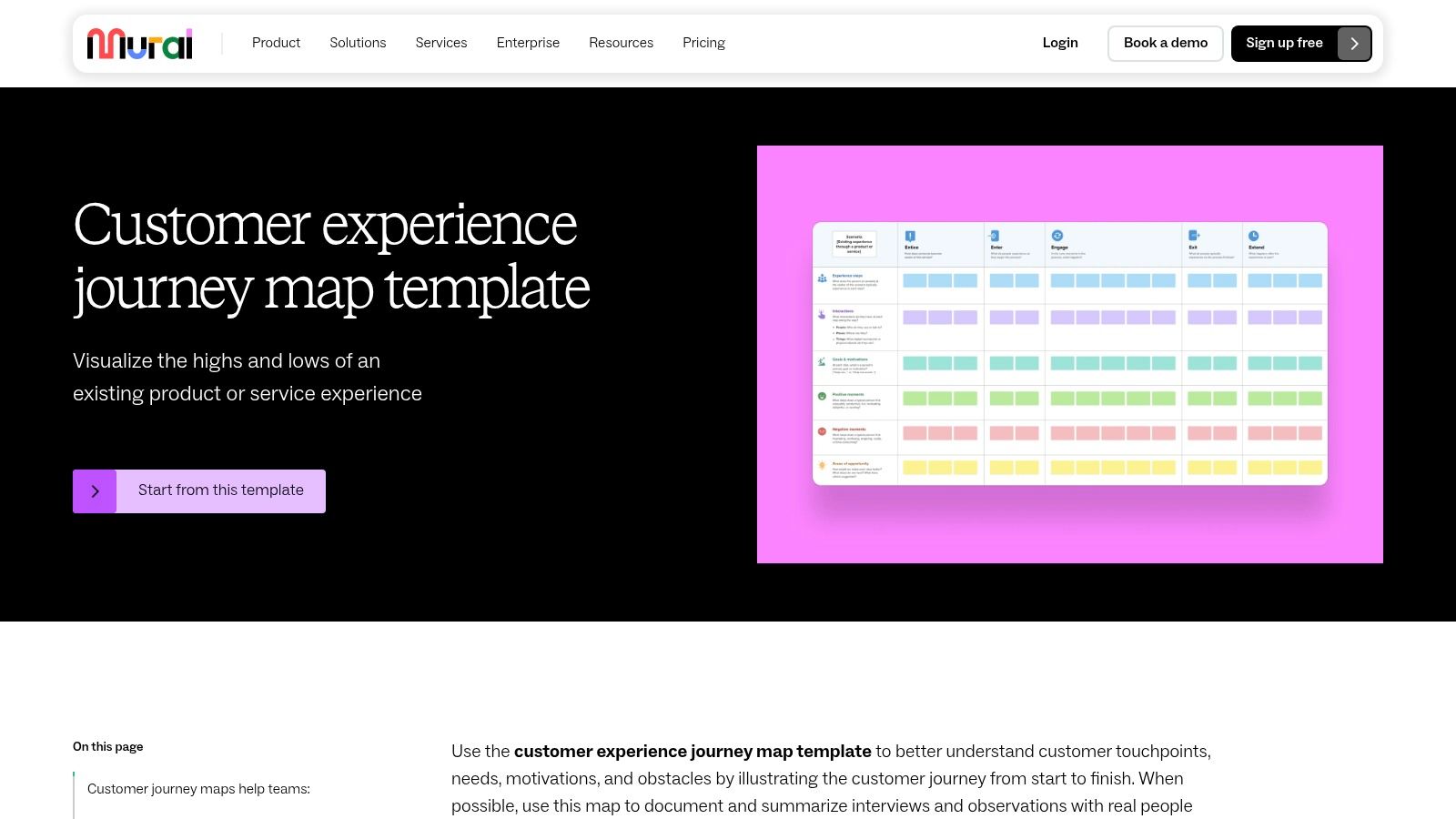
Unlike specialised CX software, Mural’s approach is broader, making it ideal for organisations that need a versatile tool for various collaborative tasks, from project planning to design sprints. The inclusion of Mural AI helps teams synthesise sticky notes and generate ideas, accelerating the mapping process from raw input to structured insights. Its templates often uniquely connect the customer journey with the corresponding employee journey, providing a holistic view of the service experience. This makes Mural a powerful choice for initial mapping workshops and high-level strategic alignment.
Key Details & Pricing
- Best for: Facilitating live, collaborative journey mapping workshops with cross-functional teams.
- Pros: Excellent for workshop facilitation, simple pricing with unlimited visitors, and templates linking customer and employee journeys.
- Cons: Lacks the deep governance and portfolio management features of dedicated CX tools; advanced security is gated behind higher-tier plans.
- Pricing: Offers a free-forever plan. Paid tiers include Team+ ($12/member/month) and Business ($17.99/member/month). Enterprise pricing is custom.
8. Lucid (Customer Journey Map Templates)
Lucid is a powerful and versatile diagramming suite, comprised of Lucidchart and Lucidspark, that serves as an excellent platform for creating customer journey maps. While not a dedicated CX tool, its strength lies in its extensive template library and familiar, intuitive interface, making it an accessible choice for teams already using it for process flows, mind maps, or organisational charts. It allows businesses to integrate journey mapping into their existing documentation ecosystem seamlessly.
This makes Lucid particularly suitable for operations, product, or IT teams who are new to journey mapping and prefer to use a familiar tool rather than adopting a specialised platform. Its robust collaboration features, including real-time co-editing, comments, and integrations with platforms like Microsoft 365 and Atlassian, ensure that mapping is a team sport. Users can start quickly with a pre-built template and customise it to visualise touchpoints, pain points, and opportunities without a steep learning curve, making it one of the most flexible customer journey mapping tools available.
Key Details & Pricing
- Best for: Teams seeking an all-in-one diagramming solution to integrate journey maps with other business workflows.
- Pros: Familiar interface for non-designers, extensive template gallery, and strong integration capabilities.
- Cons: Lacks dedicated CX-specific analytics and data structures; advanced collaboration is locked behind higher-tier plans.
- Pricing: Offers a free plan. Paid tiers are Individual (from £8/month), Team (from £9/user/month), and Enterprise (custom pricing).
9. FigJam (Figma Customer Journey Map Templates)
FigJam, Figma’s online whiteboard, offers a highly accessible and collaborative approach to customer journey mapping. Rather than being a purpose-built CX platform, it leverages flexible templates that allow design, product, and marketing teams to visualise customer experiences using familiar tools like sticky notes, connectors, and widgets. Its primary strength lies in its seamless integration with the broader Figma ecosystem, enabling a fluid transition from brainstorming and mapping in FigJam to prototyping and high-fidelity design in Figma.
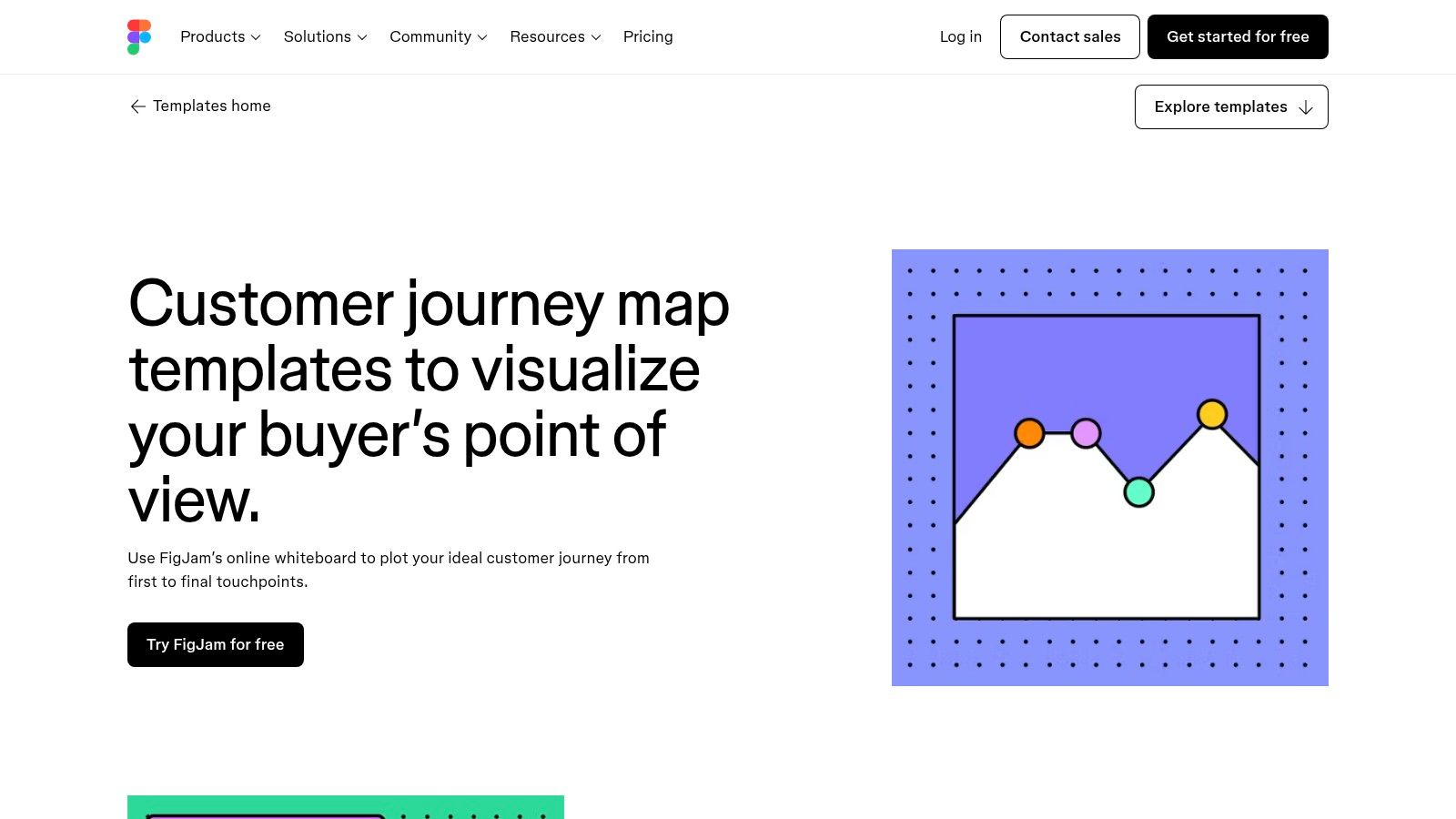
This makes it an excellent choice for teams already embedded in Figma’s design workflow who need a low-friction way to create and share journey maps. The ability to host open collaboration sessions allows stakeholders to contribute without needing an account for 24 hours, removing barriers to participation. While it may lack the advanced analytics and governance of dedicated customer journey mapping tools, its simplicity and powerful collaboration features make it a go-to for agile teams focused on quick ideation and direct design implementation.
Key Details & Pricing
- Best for: Design and product teams already using Figma for their core workflow.
- Pros: Tight integration with the Figma design ecosystem, low-friction browser-based collaboration, and clear GBP pricing.
- Cons: Lacks dedicated CX governance and portfolio management features; advanced security is tied to higher-tier plans.
- Pricing: Offers a free-forever plan. Paid tiers include Figma Professional (£12 per editor/month) and Figma Organisation (£25 per editor/month).
10. Customer Journey Mapping Tools: Canvanizer
Canvanizer is a lightweight, browser-based tool that excels in speed and simplicity. It offers a collection of pre-built business model canvases, including a dedicated Customer Journey Canvas, designed for rapid brainstorming, workshops, and early-stage strategy sessions. Rather than being a comprehensive repository for detailed CX data, it functions more like a digital whiteboard, making it exceptionally accessible for startups, educational purposes, or any team needing to visualise a journey quickly without a steep learning curve or significant financial commitment.
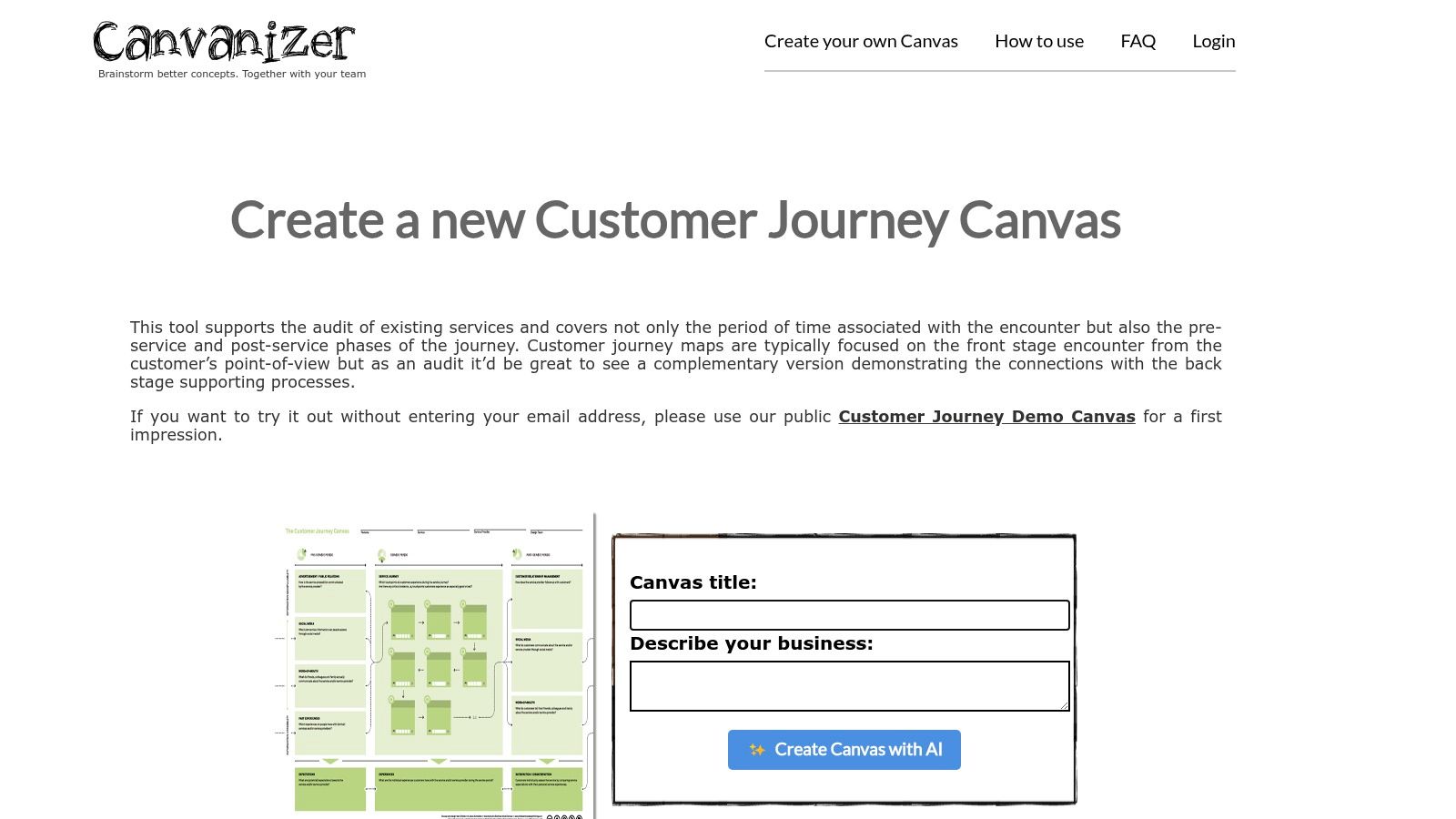
The platform’s strength lies in its straightforward approach. Users can start mapping within seconds, focusing on core concepts without being overwhelmed by complex features. While it may lack the advanced analytics and deep collaboration tools of dedicated customer journey mapping tools, its value is in its immediacy. The recent addition of AI-assisted canvas generation further streamlines the initial ideation process, helping teams to overcome the “blank page” problem and structure their thoughts efficiently.
Key Details & Pricing
- Best for: Startups, students, and teams needing a fast, low-cost tool for workshops and initial ideation.
- Pros: Extremely easy to use with no training required, very affordable annual pricing, and versatile with numerous canvas templates.
- Cons: Lacks sophisticated real-time collaboration and is not designed as a dedicated CX management repository.
- Pricing: A Free plan is available. Paid plans are Standard ($25/year) and Premium ($90/year), offering features like export options and AI generation.
11. G2 (Customer Journey Mapping category)
While not a mapping tool itself, G2’s dedicated Customer Journey Mapping category is an indispensable resource for discovery and comparison. It functions as a comprehensive software marketplace, aggregating user reviews, ratings, and detailed product information into a single, organised view. This allows teams to quickly get a snapshot of the current market, filtering potential solutions by company size, pricing models, user satisfaction, and specific features. For organisations starting their search, it is an essential first step.
G2 excels at helping users move beyond generic recommendations to find tools that fit their specific needs. Its grid-style comparisons and user-generated pros and cons offer authentic insights that vendor marketing materials often lack. This is particularly useful for distinguishing between dedicated customer journey mapping tools and broader analytics platforms that include mapping as a secondary feature. The platform effectively helps you build a shortlist and validate your choices with peer experiences before committing to a demo or trial.
Key Details & Pricing
- Best for: Teams in the research and selection phase of choosing a CJM tool.
- Pros: Provides an authentic market overview with real user reviews, identifies leaders in usability and support, and helps shortlist tools based on specific criteria.
- Cons: Sponsored placements can influence visibility (though they are clearly labelled), and some listed tools may combine mapping with other functions like orchestration, requiring users to verify the core focus.
- Pricing: Free to use for research and comparison. Direct links to vendor pricing pages are provided.
12. Capterra UK (Customer Journey Mapping Tools)
Rather than a single piece of software, Capterra UK functions as a comprehensive directory specifically tailored for discovering and comparing customer journey mapping tools available to the UK market. It’s a discovery platform that aggregates numerous solutions, allowing businesses to filter options based on features, pricing models, and business size. This approach helps teams move beyond the most well-known brands and uncover niche tools that might be a better fit for their specific requirements and budget.
The platform stands out by presenting verified user reviews and transparently listing features, which provides a layer of social proof and objective data for decision-making. For UK businesses, the directory’s focus on local availability and pricing in GBP is a significant advantage, removing the complexity of currency conversions and international vendor vetting. It organises information to help users shortlist potential tools before committing to demos or free trials, streamlining the often-overwhelming procurement process.
Key Details & Pricing
- Best for: UK businesses at the start of their search, wanting to compare a wide range of tools.
- Pros: UK currency and context awareness, broad selection of vendors, and excellent filters to find free or low-cost options.
- Cons: Sponsored profiles can appear at the top of lists (though clearly marked), and the level of detail can vary between listings.
- Pricing: The directory is free to use. Pricing for listed software varies by vendor.
Customer Journey Mapping Tools Comparison
| Tool | Core Features/Capabilities | User Experience & Quality ★★★★✩ | Value Proposition 💰 | Target Audience 👥 | Unique Selling Points ✨ | Price Points 💰 |
|---|---|---|---|---|---|---|
| Smaply | Multi-layer journey maps, personas, portfolio cards | Strong CX focus, collaboration roles | Good governance, EU data compliance | CX specialists, UK/EU teams | Prioritisation matrix, custom templates | Free tier limited, paid plans |
| UXPressia | Unlimited maps, AI persona creation, impact maps | Excellent templates, export options | Easy sharing, active support | Consultants, teams | AI assistants, large template library | Paid plans for AI/features |
| Custellence | Map hierarchies, unlimited viewers, export controls | Simple, viewer-friendly | Affordable viewer sharing | Broad stakeholders, enterprises | Unlimited viewers, strong security options | Free limited, paid scalable |
| JourneyTrack | Journeys, personas, workshops, strong enterprise security | Comprehensive enterprise suite | End-to-end CJM & governance | Large enterprises | AI-driven insights, SOC 2 & ISO 27001 certified | Premium pricing |
| Milkymap | Lifecycle templates, AI assistant MilkyAi, trial | Clear onboarding, affordable | Standardised repeated mapping | Teams needing consistency | AI-powered journey assistant | Affordable tiers, trial |
| Miro (Templates) | 5,000+ templates, guest collaboration | Easy onboarding, huge template ecosystem | Flexible for many uses | Non-designers, quick collaborative teams | Extensive integrations, compliance options | Free to enterprise plans |
| Mural (Templates) | CJM & employee templates, facilitation tools | Great for workshops, collaboration | Simple pricing | Workshops, cross-functional teams | Mural AI assistant, voting/timers | Paid tiers for visitors |
| Lucid (Templates) | CJM templates, diagramming, MS365 & Atlassian integration | Familiar UI for ops/IT teams | Integrated diagramming & CJM | Operations, IT, workflow teams | Robust admin controls, presentation modes | Paid plans for advanced use |
| FigJam (Figma) | CJM templates, browser collaboration, Figma integration | Low friction, integrated design workflow | Transparent UK pricing | Design teams, UK users | 24h open sessions, seamless design handoff | Free with paid options |
| Canvanizer | CJM canvas + related templates, AI generation | Fast start, simple interface | Low-cost, workshop friendly | Startups, education | AI canvas generation, lightweight | Affordable annual pricing |
| G2 (Marketplace) | Software listings, user reviews, filters | Reliable user feedback | Vendor comparison, market snapshot | Buyers researching CJM tools | Authentic reviews, filtering features | Free access |
| Capterra UK | UK-focused directory, verified reviews | UK-relevant context | UK pricing & vendor discovery | UK buyers, SMEs | UK currency, free & low-cost tool filters | Free access |
Final Thoughts
Navigating the landscape of customer journey mapping tools can feel overwhelming, but as we’ve explored, the right platform is less about finding a single “best” option and more about identifying the best fit for your organisation’s unique needs, maturity, and budget. The journey from a simple whiteboard sketch to a data-rich, dynamic map is a significant one, and the tools available reflect this spectrum of complexity and capability.
Dedicated platforms such as Smaply, UXPressia, and Custellence offer powerful, specialised features designed for deep analysis and collaboration. They excel at creating detailed personas, stakeholder maps, and multi-layered journey visualisations, making them ideal for businesses committed to embedding a customer-centric culture. For UK SMEs, these tools provide the structure needed to formalise customer understanding and drive strategic decisions.
On the other hand, collaborative whiteboarding tools like Miro, Mural, and Lucid offer unparalleled flexibility. Their strength lies in their adaptability, allowing marketing managers and fast-growing teams to start mapping quickly, integrate with existing workflows, and facilitate real-time brainstorming sessions without the steep learning curve of a specialised application. These platforms are perfect for the initial stages of mapping or for businesses that value agility and cross-functional collaboration above all else.
How to Choose Your Ideal Tool
Making the right choice requires a clear-eyed assessment of your specific circumstances. Before committing to a subscription, consider the following critical factors:
- Your Primary Goal: Are you trying to identify pain points in a specific process, or are you building a comprehensive, organisation-wide view of the entire customer lifecycle? Your objective will determine whether you need a simple template or a robust, data-driven platform.
- Team Collaboration: How many people will be using the tool, and from which departments? A tool with strong real-time collaboration, commenting, and sharing features like Mural or FigJam is essential for cross-functional teams.
- Integration Needs: Consider how the tool will fit into your existing technology stack. Does it need to integrate with your CRM, analytics platform, or project management software to pull in live data and create a truly dynamic map?
- Budget and Scalability: Be realistic about your budget. Start with a free or low-cost tool like Canvanizer to prove the value of journey mapping. As your needs grow, you can graduate to a more sophisticated solution that can scale with your business.
Ultimately, the most effective customer journey mapping tools are the ones that get used. The goal is to transform customer insights from a static document into a living, breathing guide that informs every decision, from marketing campaigns to product development. By starting with a clear purpose and selecting a tool that aligns with your team’s workflow, you can unlock the powerful insights needed to create exceptional customer experiences and drive sustainable growth.
Understanding the customer journey is the first step, but acting on those insights is where real growth happens. At PPC Geeks, we use this deep customer understanding to build paid advertising campaigns that resonate at every stage of the funnel. If you’re ready to turn your journey maps into measurable ROI, contact PPC Geeks today for a free, strategic audit of your advertising accounts.


